Stop collecting requests in five places
Send guests to one room link or QR code instead of monitoring paper slips, social messages, texts, and conversations around the booth.
Requests arrive where you already manage music
Deckster combines a public request page, a host control interface, and a dedicated screen view. Guests can participate from their phones while the DJ reviews requests, controls playback, and keeps the event moving.
Free beta, no card required. Guided setup is available.
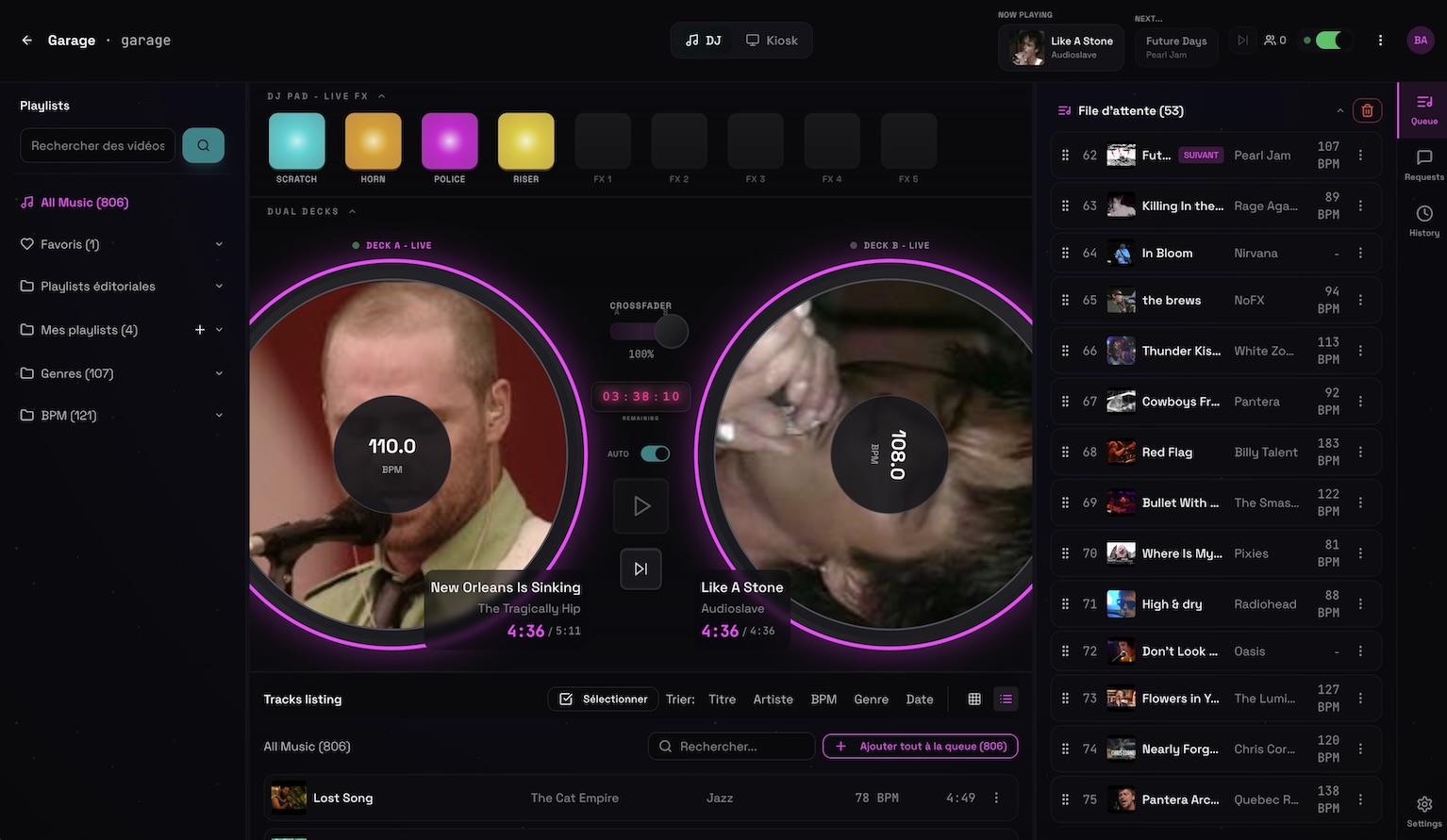 Permanent demo, open screen
Send guests to one room link or QR code instead of monitoring paper slips, social messages, texts, and conversations around the booth.
Approve a request, place it where it belongs, preview alternatives, and keep your prepared playlists available alongside incoming songs.
Use a laptop for detailed queue management or a phone while moving through the venue. The screen view remains separate from the controls.
Included in the beta
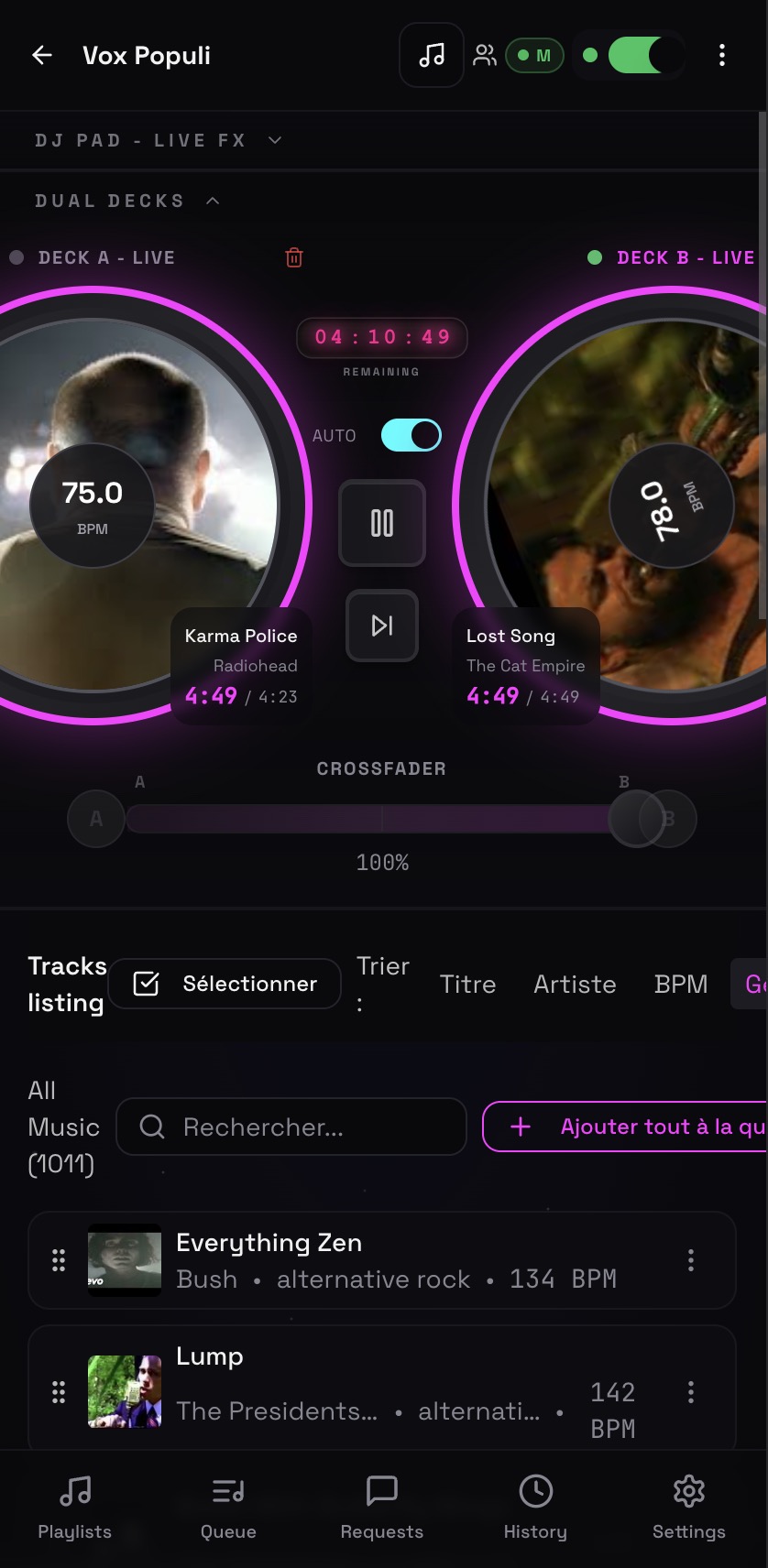
Deckster is a browser-based music, video, screen, and request workflow. Whether it replaces another tool depends on your playback and mixing requirements.
Yes. The control view is designed for phones and laptops, while a separate screen view handles the public display.
Yes. Deckster supports direct playlist workflows, including Spotify playlist import and YouTube-based playback matching.
Run event music, venue screens, playlists, and guest requests from your phone. Deckster keeps the host in control while the crowd participates by QR code.
A QR code song request app that keeps the host in controlGive every guest a simple QR code for song requests. Review requests in real time, control the queue, and keep your DJ set or event running smoothly.
A simple karaoke request system for hosts and singersRun karaoke requests with a guest QR page, host approval, a shared queue, lyrics, and a separate venue screen. No paper song slips or guest app required.
Line dance DJ software that connects the floor, queue, and screenRun line dance music, video, requests, playlists, and choreography information on venue screens while controlling the night from your phone or laptop.