Make song requests easy for singers
A QR code opens the request page directly. Singers search and submit from their browser without installing an app or waiting for a paper songbook.
From QR request to the venue screen
Deckster helps karaoke hosts collect requests without paper slips or repeated trips to the booth. Singers submit from their phones, the host manages the order, and the audience follows the event on a dedicated screen.
Free beta, no card required. Guided setup is available.
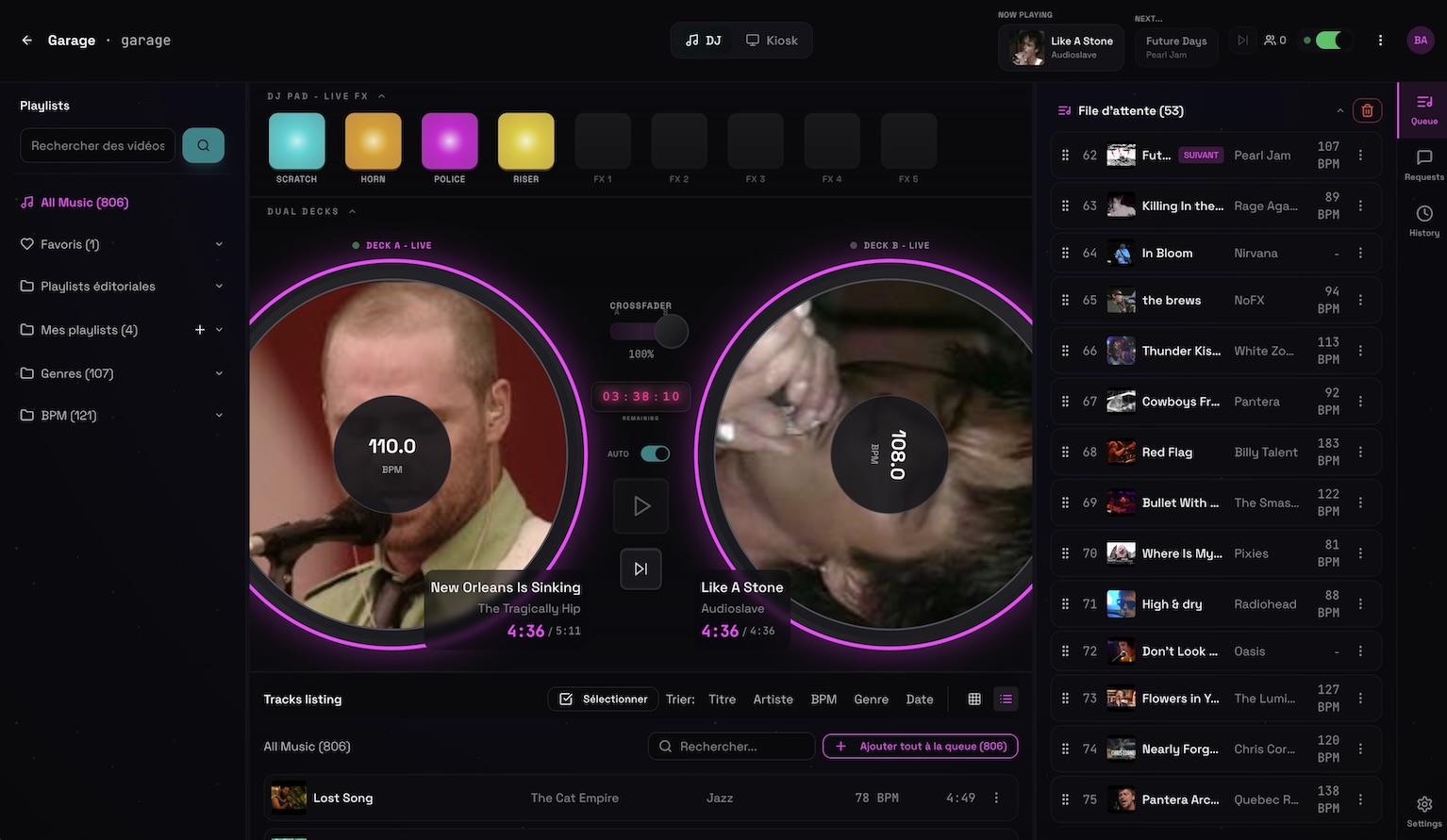 Permanent demo, open screen
A QR code opens the request page directly. Singers search and submit from their browser without installing an app or waiting for a paper songbook.
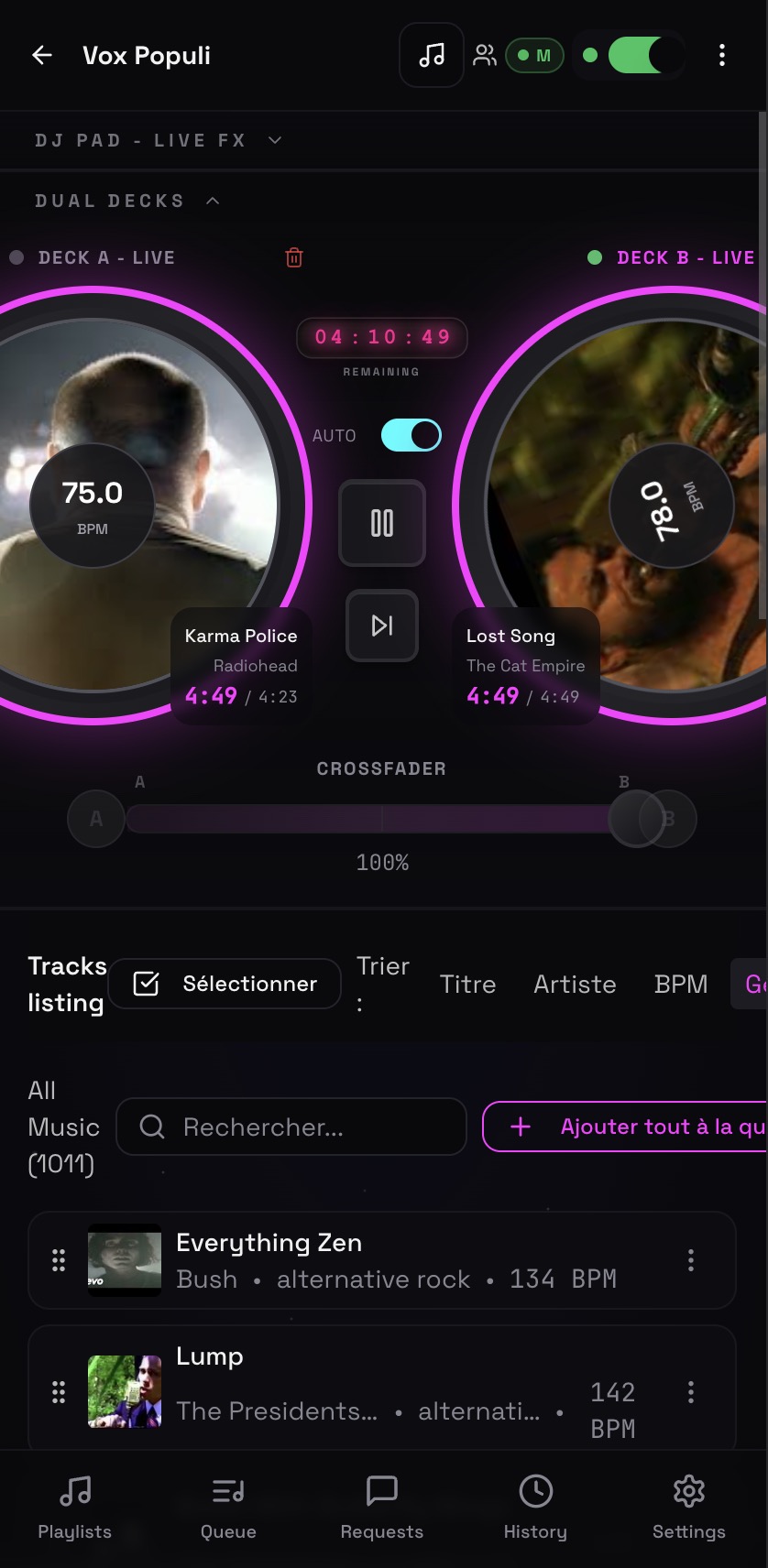
Keep incoming requests, accepted songs, and the playback queue visible to the host. Reorder the night as needed and avoid duplicate selections.
Use the screen view for playback, lyrics when available, messages, and event information while keeping host controls private.
Included in the beta
No. Singers can use the public request page without creating an account.
Deckster can display synchronized lyrics when matching lyrics are available for the selected track.
Yes. The host controls the accepted requests and playback queue throughout the event.
Run event music, venue screens, playlists, and guest requests from your phone. Deckster keeps the host in control while the crowd participates by QR code.
A QR code song request app that keeps the host in controlGive every guest a simple QR code for song requests. Review requests in real time, control the queue, and keep your DJ set or event running smoothly.
A free song request app built around the DJ's workflowReceive song requests from any phone, approve them in real time, and manage your event queue without guests interrupting the DJ booth. Free to use.
Line dance DJ software that connects the floor, queue, and screenRun line dance music, video, requests, playlists, and choreography information on venue screens while controlling the night from your phone or laptop.