Prepare the night before guests arrive
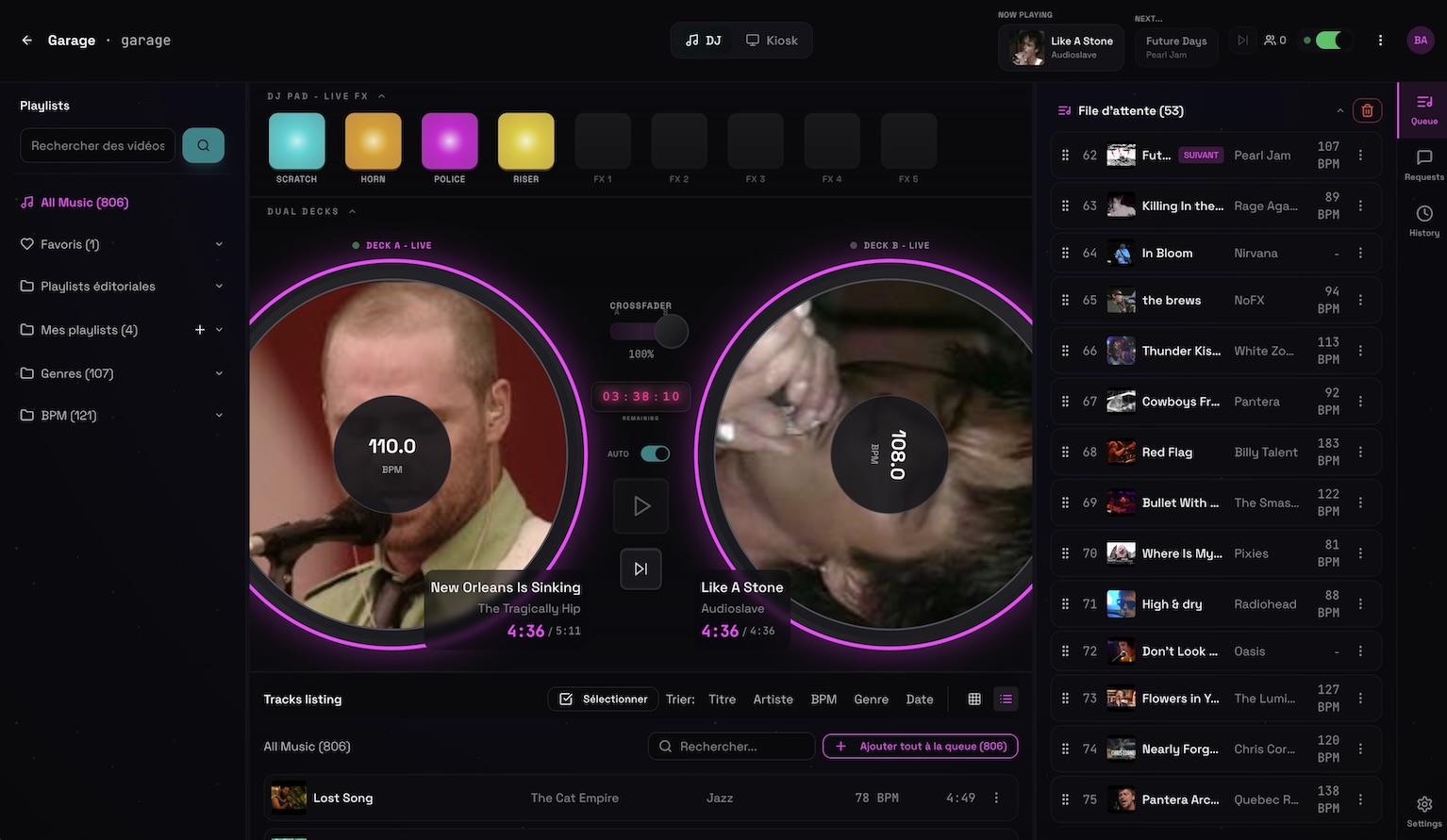
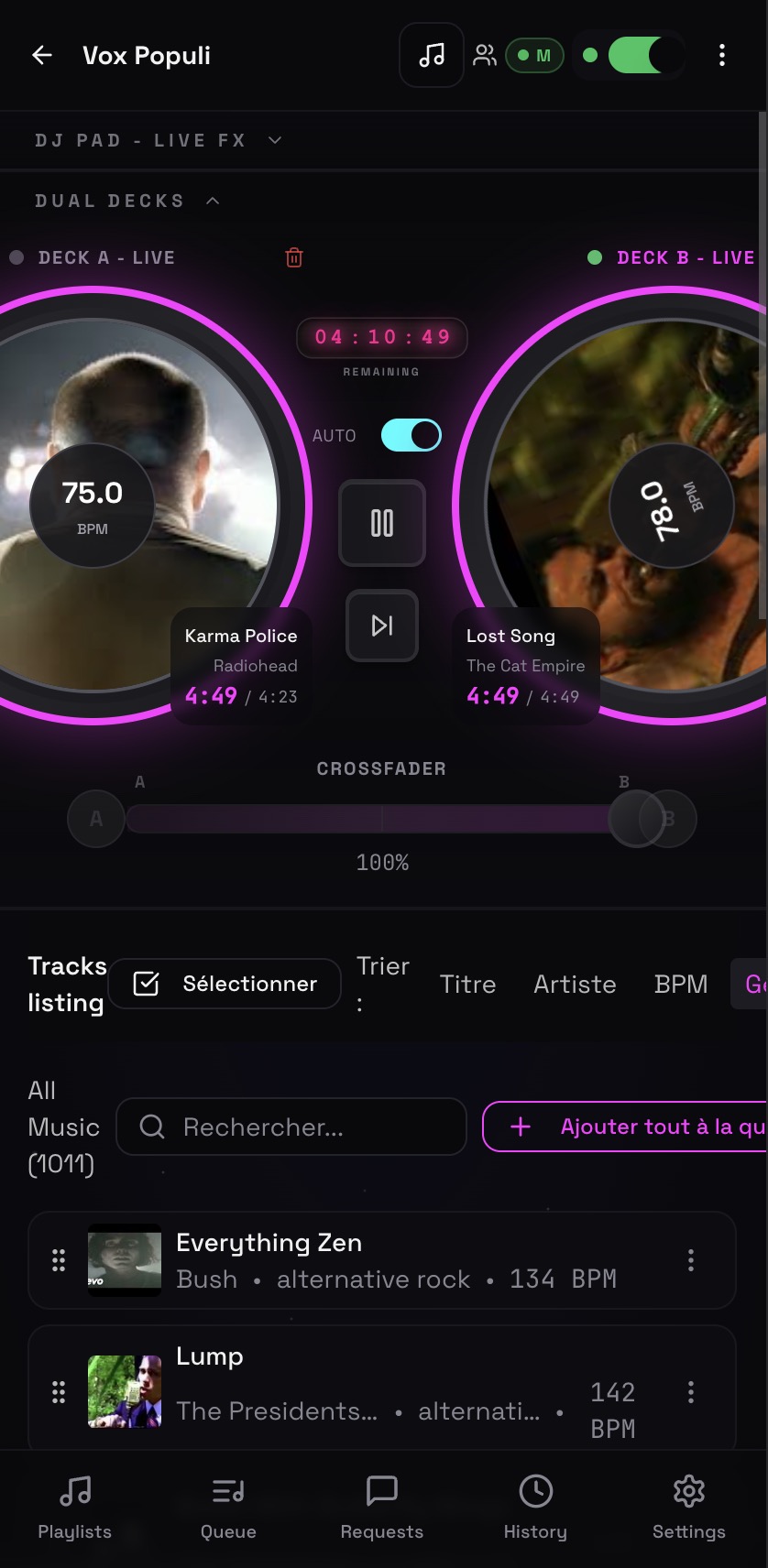
Create or import playlists, organize the queue, and review track information before the room fills. Background music keeps the atmosphere active between planned moments.
One room for the host, the screens, and the crowd
Deckster gives DJs, instructors, karaoke hosts, and venues one place to manage music, public screens, and guest requests. Prepare the queue, show useful information on screen, and let guests request songs by QR code while you stay in control of the night.
Free beta, no card required. Guided setup is available.
 Permanent demo, open screen
Create or import playlists, organize the queue, and review track information before the room fills. Background music keeps the atmosphere active between planned moments.
Use the dedicated screen view for the current track, video, dance information when relevant, lyrics, announcements, and venue messages while controls remain private.
Guests scan the room QR code and suggest songs from their phones. You approve only the requests that fit the event, audience, and direction of the night.
Built for nights where music and the crowd need to stay in sync.
Included in the beta
No. Guests open the request page in their browser after scanning the room QR code.
Yes. The host can approve, reject, filter, reorder, or disable requests according to the event settings.
Deckster is currently in free beta. The full product is included while real line dance organizers help shape the workflow.
You need an internet connection, a modern browser, and a screen with audio. A second phone or laptop can be used for control.
Give every guest a simple QR code for song requests. Review requests in real time, control the queue, and keep your DJ set or event running smoothly.
A free song request app built around the DJ's workflowReceive song requests from any phone, approve them in real time, and manage your event queue without guests interrupting the DJ booth. Free to use.
A simple karaoke request system for hosts and singersRun karaoke requests with a guest QR page, host approval, a shared queue, lyrics, and a separate venue screen. No paper song slips or guest app required.
Line dance DJ software that connects the floor, queue, and screenRun line dance music, video, requests, playlists, and choreography information on venue screens while controlling the night from your phone or laptop.