Share one clear request channel
Print the room QR code or show it on screen. Guests reach the correct request page instantly, without creating an account or installing software.
Guest requests without interruptions
Replace handwritten slips, shouted requests, and private messages with one reusable request page. Guests scan a QR code, search for a song, and submit it from their phone while you decide what enters the queue.
Free beta, no card required. Guided setup is available.
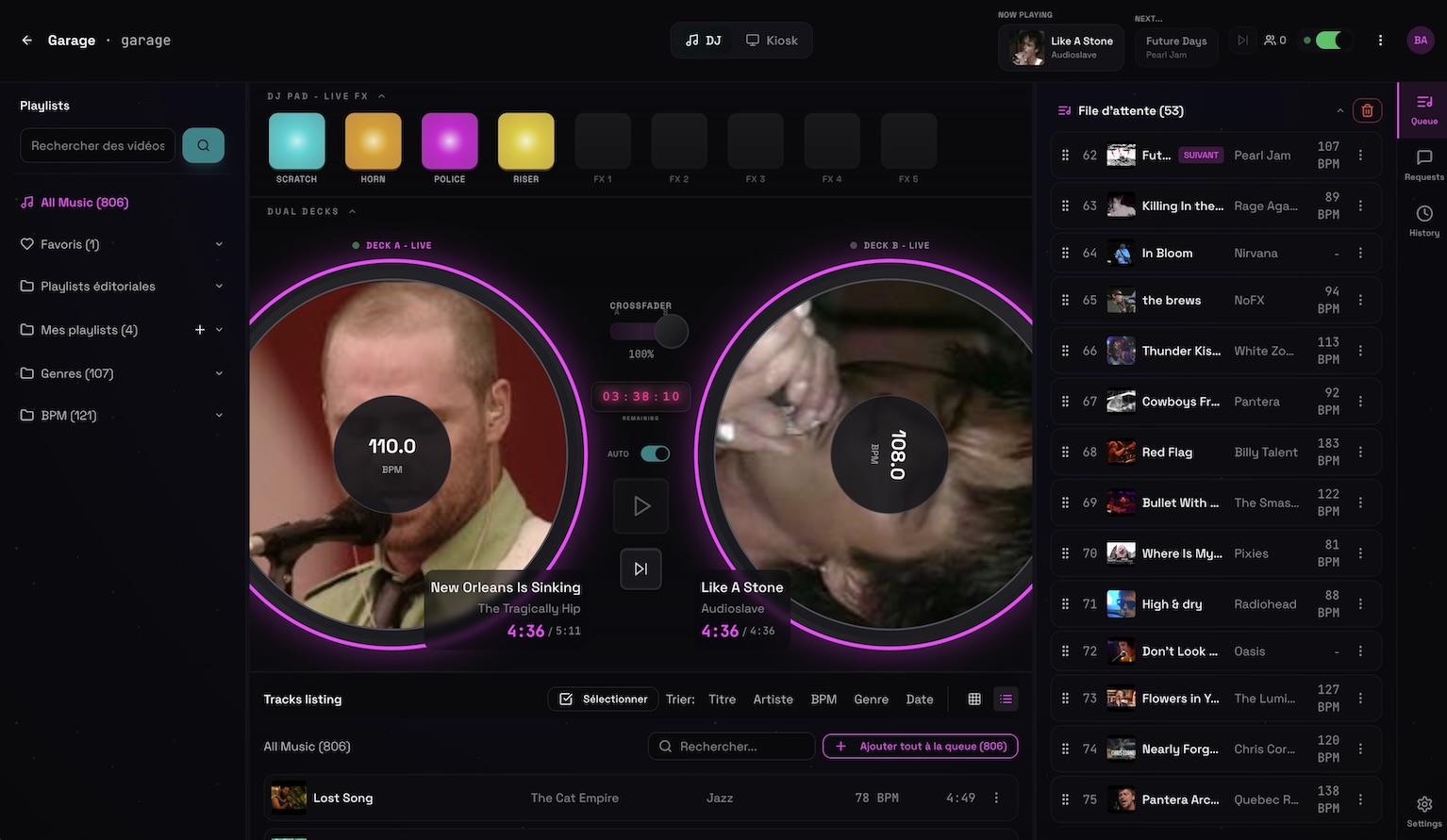 Permanent demo, open screen
Print the room QR code or show it on screen. Guests reach the correct request page instantly, without creating an account or installing software.
New requests appear in the host interface. Approve them manually or use automatic acceptance rules when the event format allows it.
Block tracks, artists, or genres, prevent duplicates, and limit repeat requests. The host always decides what is appropriate for the room.
Included in the beta
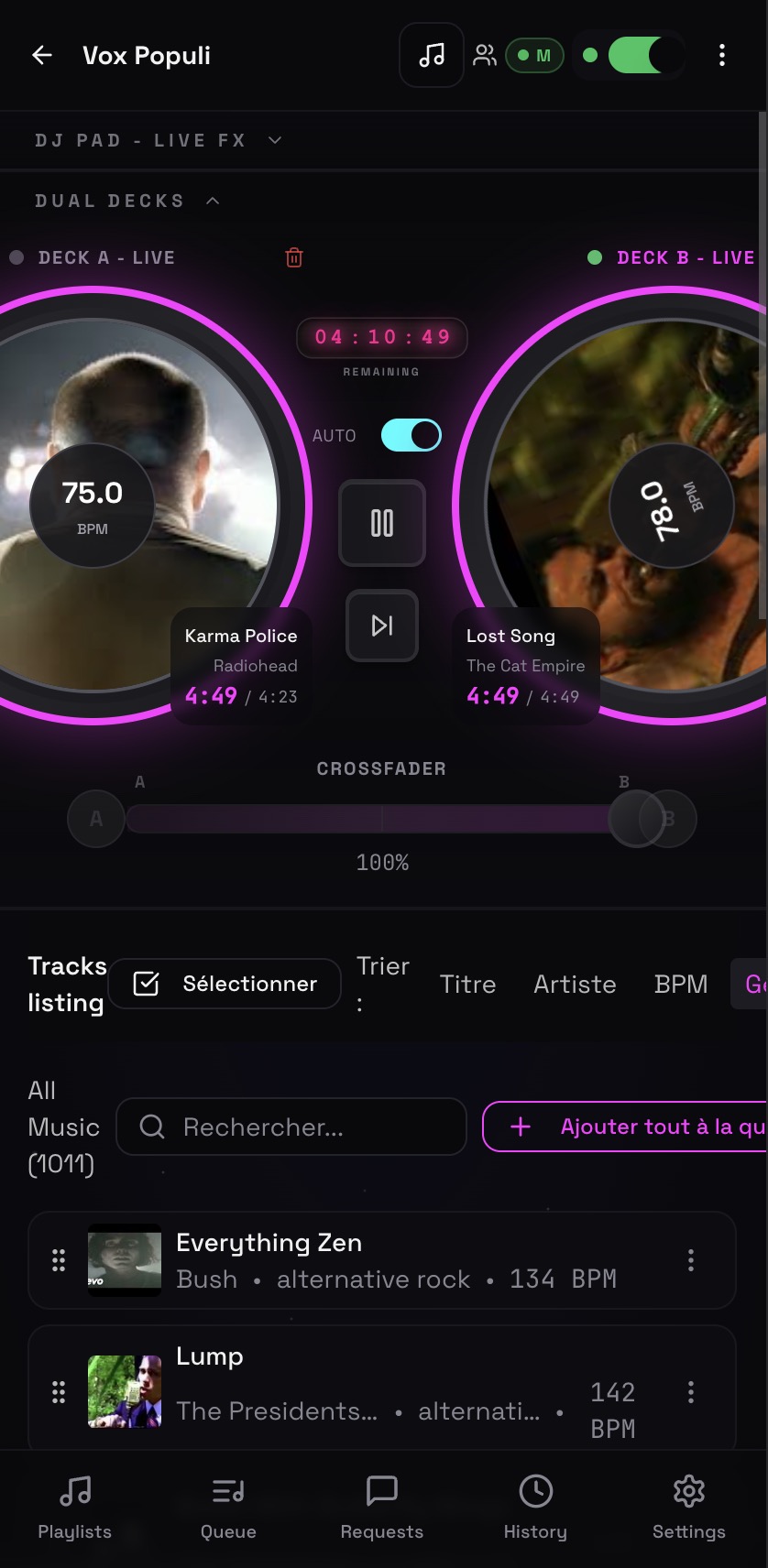
Yes. The public request view works in a phone browser and does not require a Deckster account.
Yes. Manual approval is available, and hosts can also configure automatic acceptance for suitable events.
Yes. Use genre, artist, and track controls to keep requests aligned with the event.
Run event music, venue screens, playlists, and guest requests from your phone. Deckster keeps the host in control while the crowd participates by QR code.
A free song request app built around the DJ's workflowReceive song requests from any phone, approve them in real time, and manage your event queue without guests interrupting the DJ booth. Free to use.
A simple karaoke request system for hosts and singersRun karaoke requests with a guest QR page, host approval, a shared queue, lyrics, and a separate venue screen. No paper song slips or guest app required.
Line dance DJ software that connects the floor, queue, and screenRun line dance music, video, requests, playlists, and choreography information on venue screens while controlling the night from your phone or laptop.